 IDColab for Revit
Import any 3D model into Revit
IDColab for Revit is a Revit 3D import plugin that converts the models your suppliers send into real, placeable Revit families. Textures land at true size, plans and elevations read cleanly, and every material stays editable in Revit.
Introductory priceGoes up to $100 after the launch period
For Autodesk Revit 2027 on Windows · 3 day free trial, no card needed


Features
A Revit 3D import plugin for architects
Import 3D geometry into your Revit project the way it should arrive: as real families, with true scale textures and clean drawings. Made for architects and interior designers who place real products, from furniture and lighting to fixtures, in the finishes their clients chose.
A real Revit family
Every 3D model is converted to a Revit family that you place, copy and move like any other family in your project.
Drag and drop
Drop a model file, a zip or a whole folder straight onto a Revit view. The model follows your cursor, ready to place.
Textures at true size
Textures and the model's own texture mapping come in at real world size, and units are detected for you.
Clean drawings
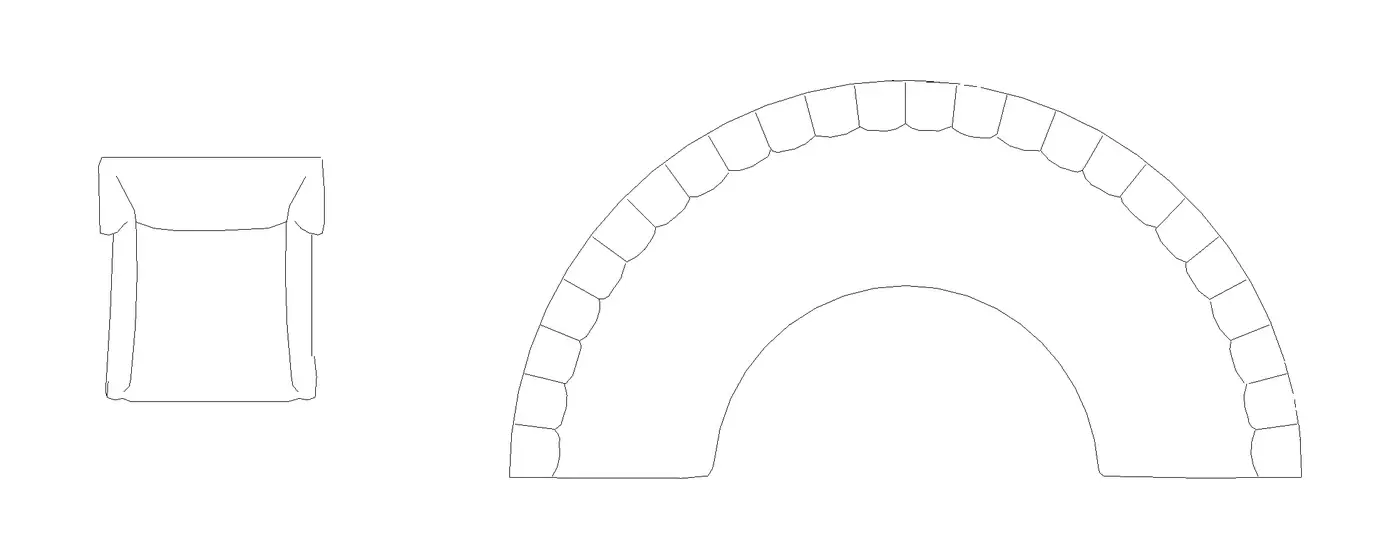
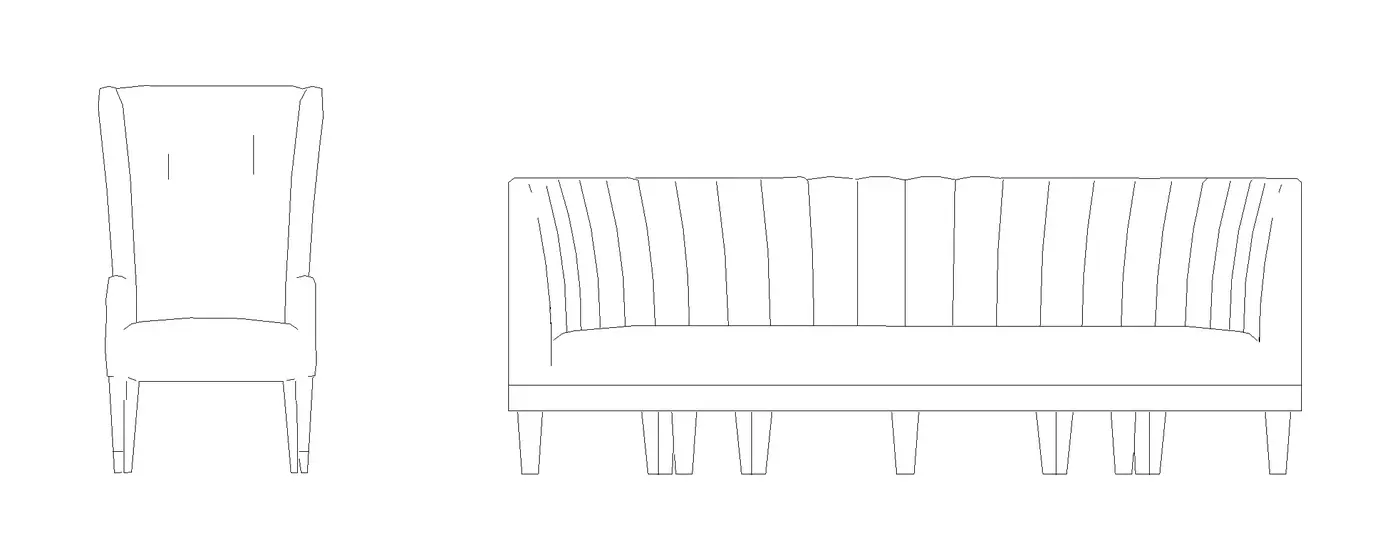
Plan and elevation linework is drawn from the real mesh, so the model reads properly in plans and elevations and stays textured in 3D.
Materials you can edit
Each layer gets its own Revit material. Change it in Revit's material editor and the model updates. Copies share the same materials.
Resize with Height
Set the Height parameter to resize the model. Width and depth follow, so the proportions stay true.
The IDColab Library
Browse and search IDColab's free 3D models inside Revit, and import one with a click.
Your session stays safe
Models are converted outside Revit, so a bad file can never take your Revit session down.
Formats
Import any 3D object into Revit
Manufacturer downloads, consultants' SketchUp models and your team's Rhino files arrive in every format. Bring them into Revit as they come, archives included.
- .fbx
Import FBX to Revit
Bring FBX models into Revit as placeable families, with their textures and the model's own texture mapping at real world size.
- .obj
Import OBJ into Revit
OBJ models arrive with each layer as its own Revit material, ready to edit in Revit's material editor.
- .gltf.glb
Import glTF and GLB to Revit
glTF and GLB models come in with their textures at true size and their units detected automatically.
- .skp
SketchUp to Revit
Import SketchUp files straight into Revit, with textures at real size, materials as layers and clean plan and elevation linework.
- .3dm
Rhino to Revit
Import Rhino models into Revit and place them as real Revit families, with clean plans and elevations.
- .max
3ds Max to Revit
Import 3ds Max files into Revit and place them as families you resize with a single Height parameter.
- .usd.usdz
USD and USDZ to Revit
Import USD and USDZ models into Revit with their textures, as placeable Revit families.
- .dae.3ds.ply
DAE, 3DS and PLY
Collada, 3DS and PLY models import the same way: click Import or drop the file onto a view.
- Plus
- ZIP
- RAR
- 7z
Downloads, unzipped for you
Drop in a zip, RAR or 7z download and IDColab finds the model inside. When a download holds several formats, it picks the best one.
Files, archives or folders
Drag a model file, an archive or a whole folder onto a Revit view, or choose a file with Import on the ribbon.
Clean drawings
Crisp in plan, rich in 3D
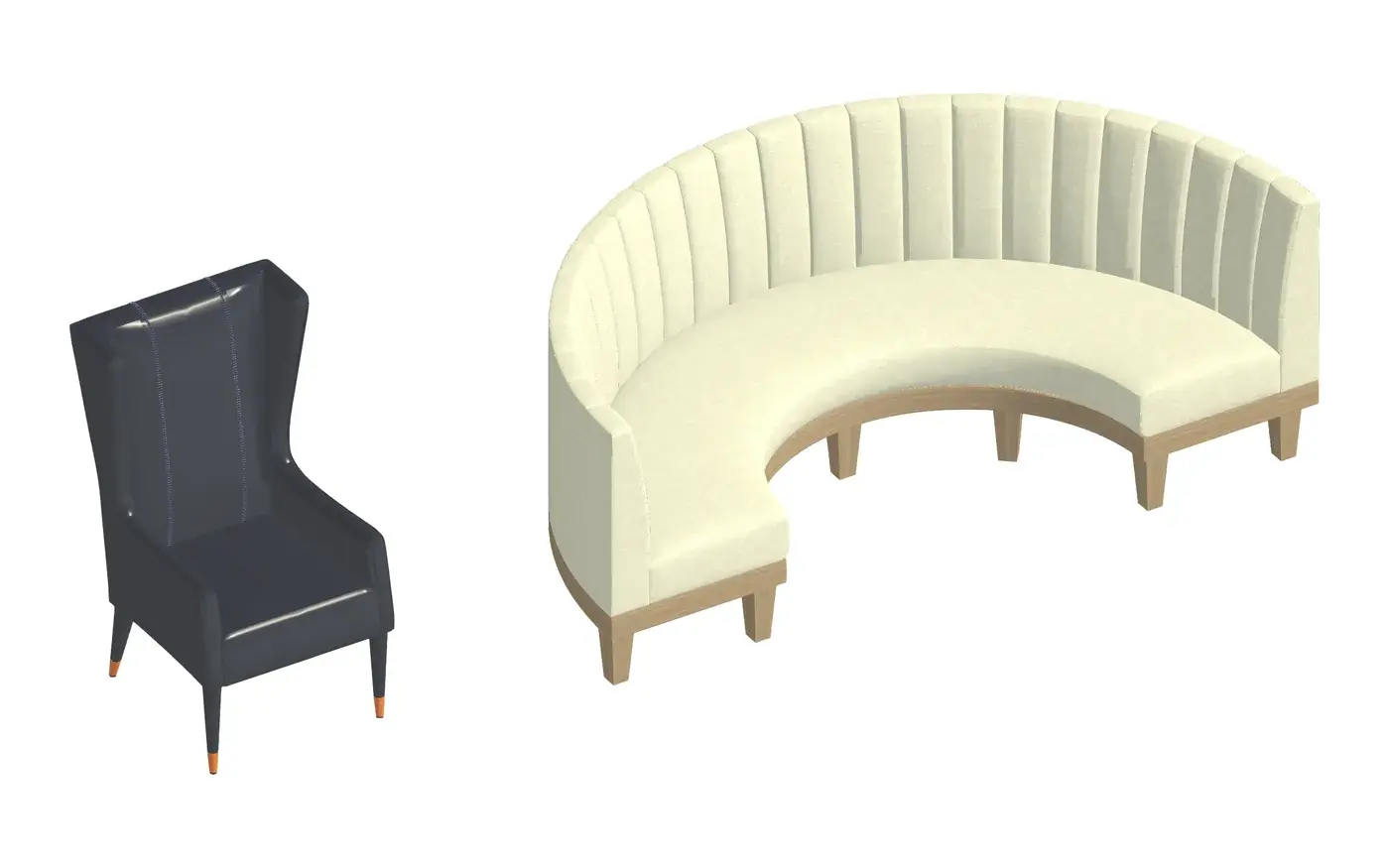
Leave Clean drawings ticked and IDColab draws plan and elevation linework from the real mesh, so each piece reads properly on your drawings while the textured model shows in 3D. Untick it to import a model exactly as it is.
Materials
Every layer, its own Revit material
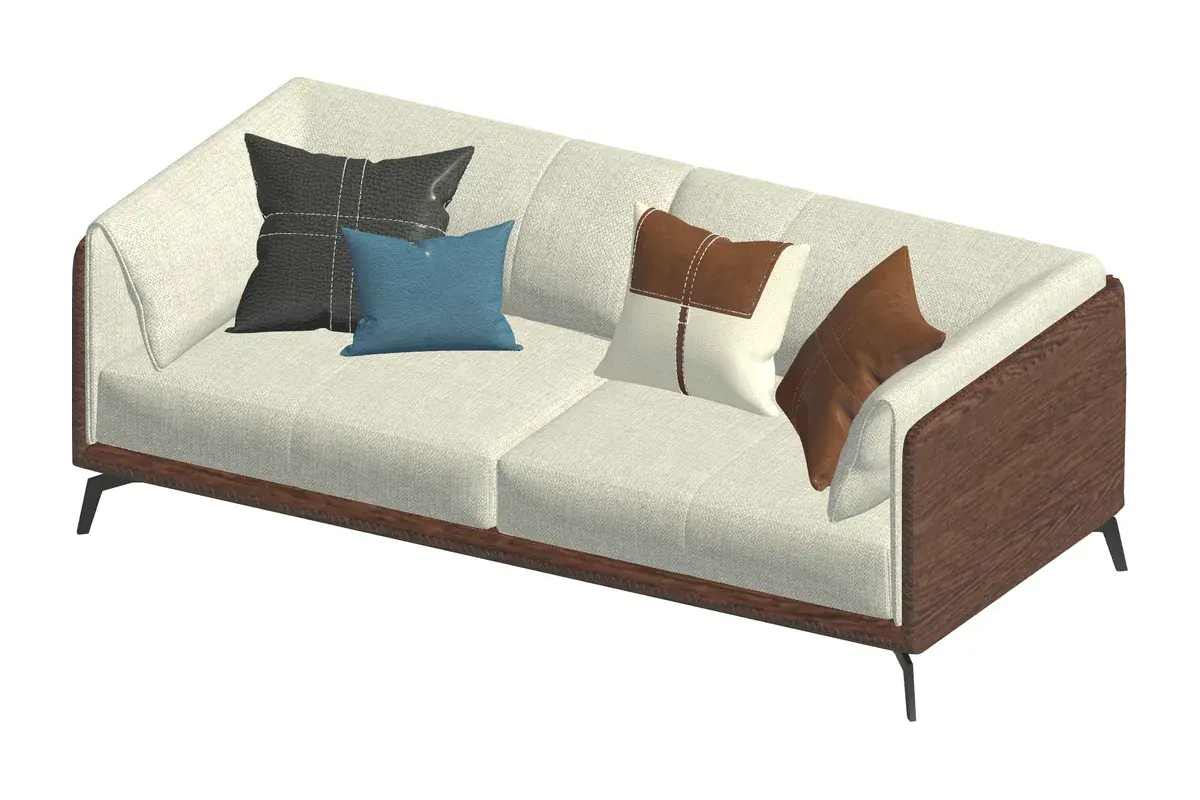
Each layer of the model arrives as a Revit material, ready in Revit's own material editor. Change a fabric or a finish and the model updates, and every copy in the project shares the same materials.
One parameter to resize
Set the Height parameter and the model resizes, with width and depth following along.
Ivory weave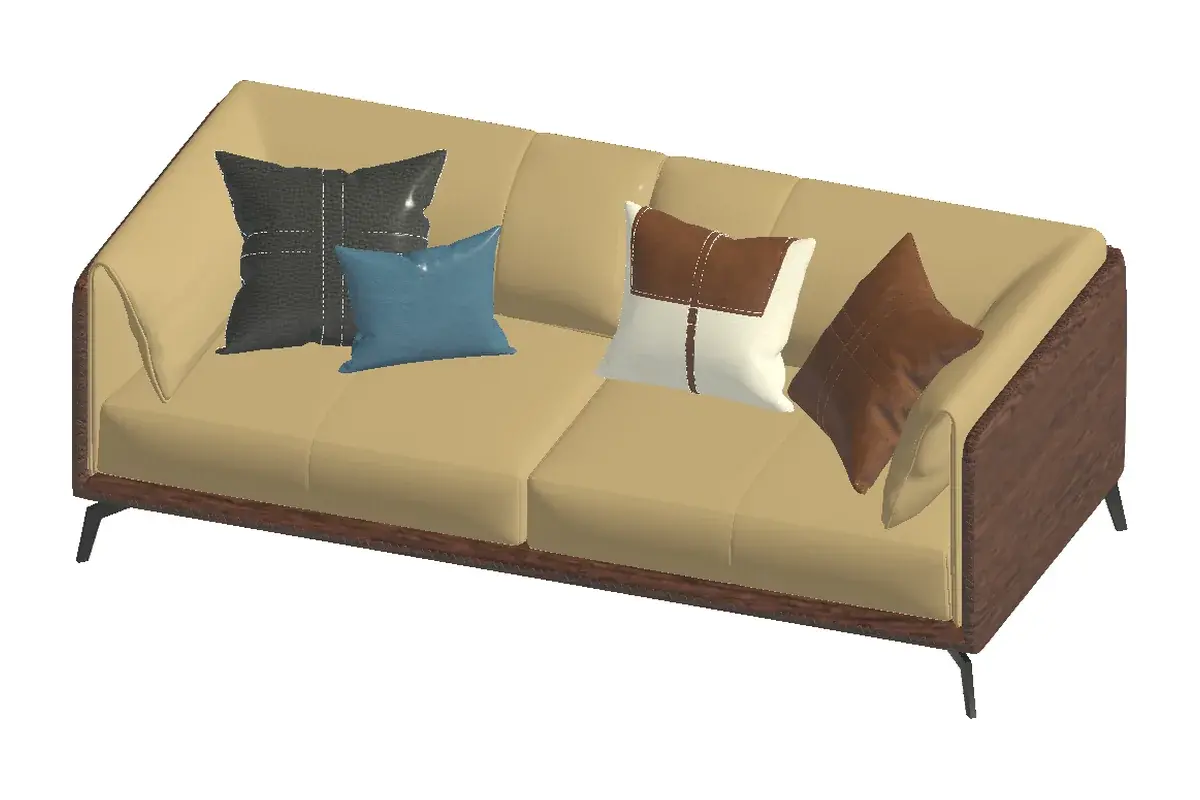 Tan upholstery
IDColab Library
A 3D library, inside Revit
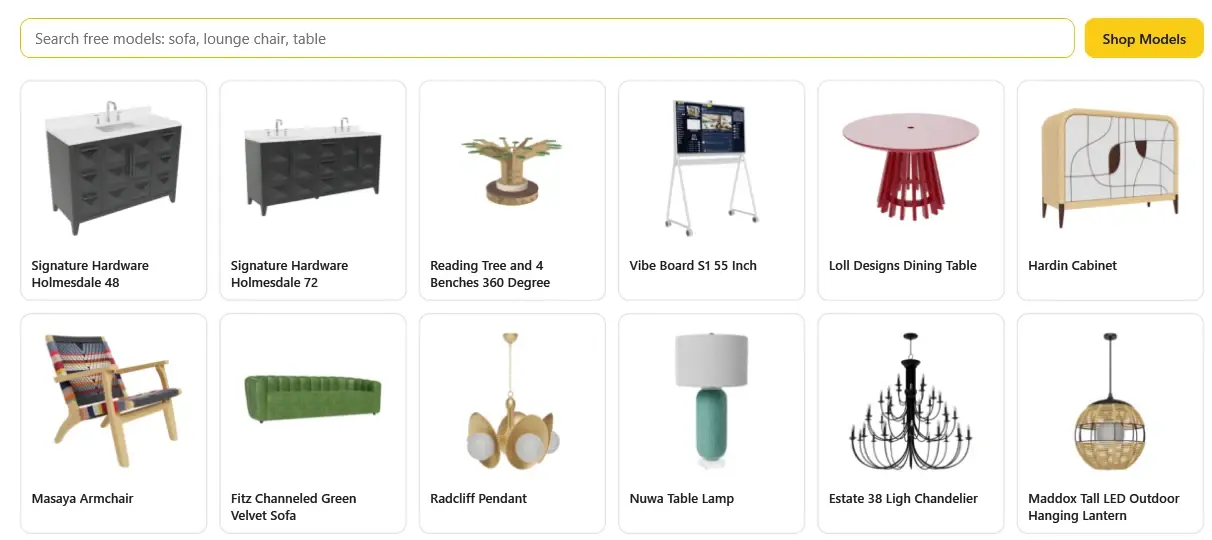
Press Library on the ribbon to browse and search IDColab's free 3D models without leaving Revit. Pick one and it downloads, converts and follows your cursor, ready to place.
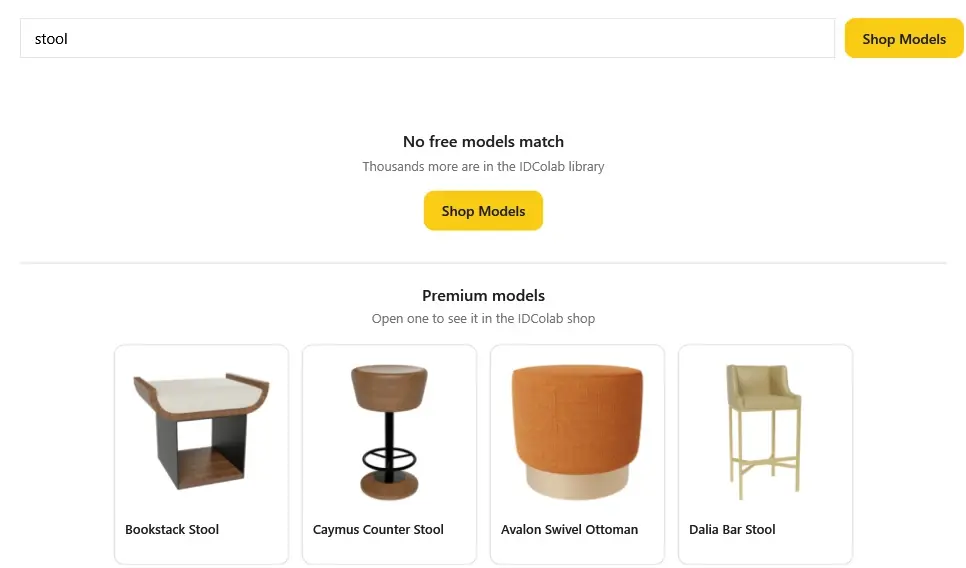
Premium pieces, a button away
Premium models from the IDColab 3D library show up in your searches too. Open one, or press Shop Models, to see it in the 3D library on the IDColab website.
Browse the 3D libraryIn your project
Made for the pieces you specify
Velvet, weaves, timber grain and tufting, carried into Revit at true scale.
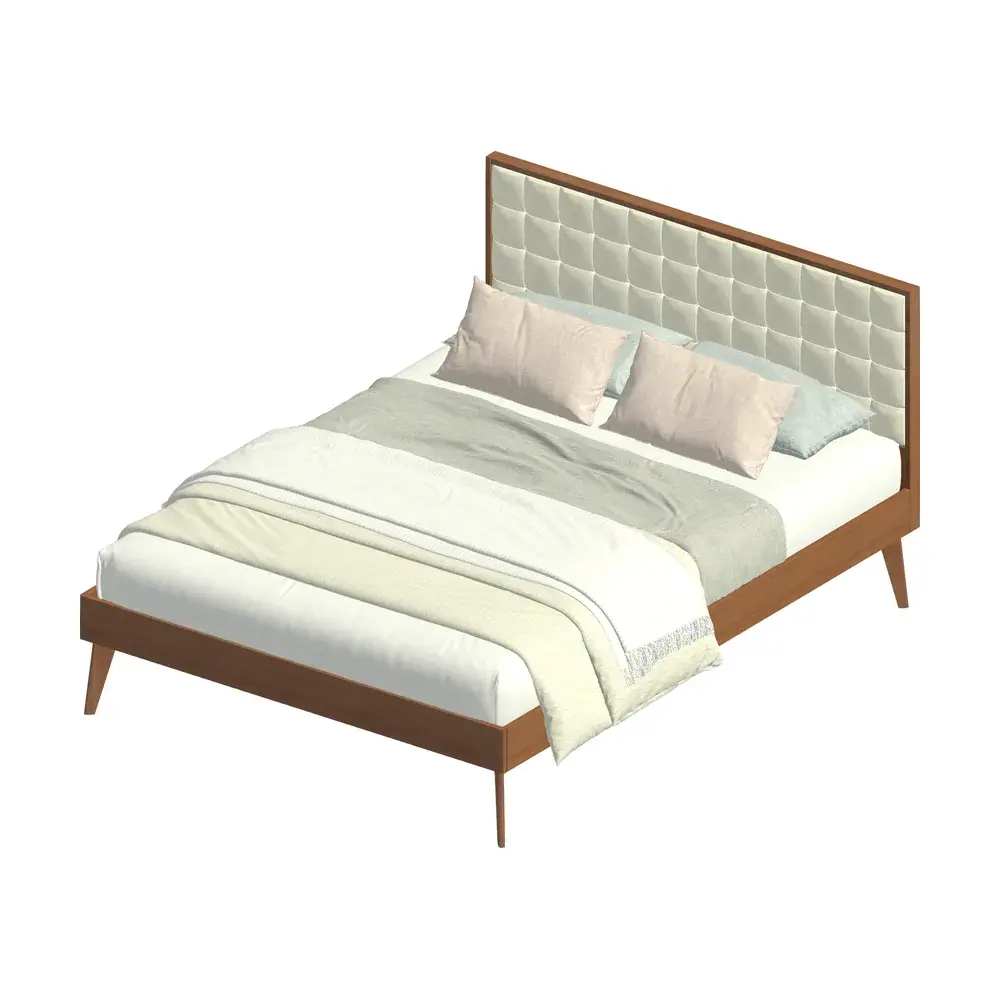
Upholstered bed 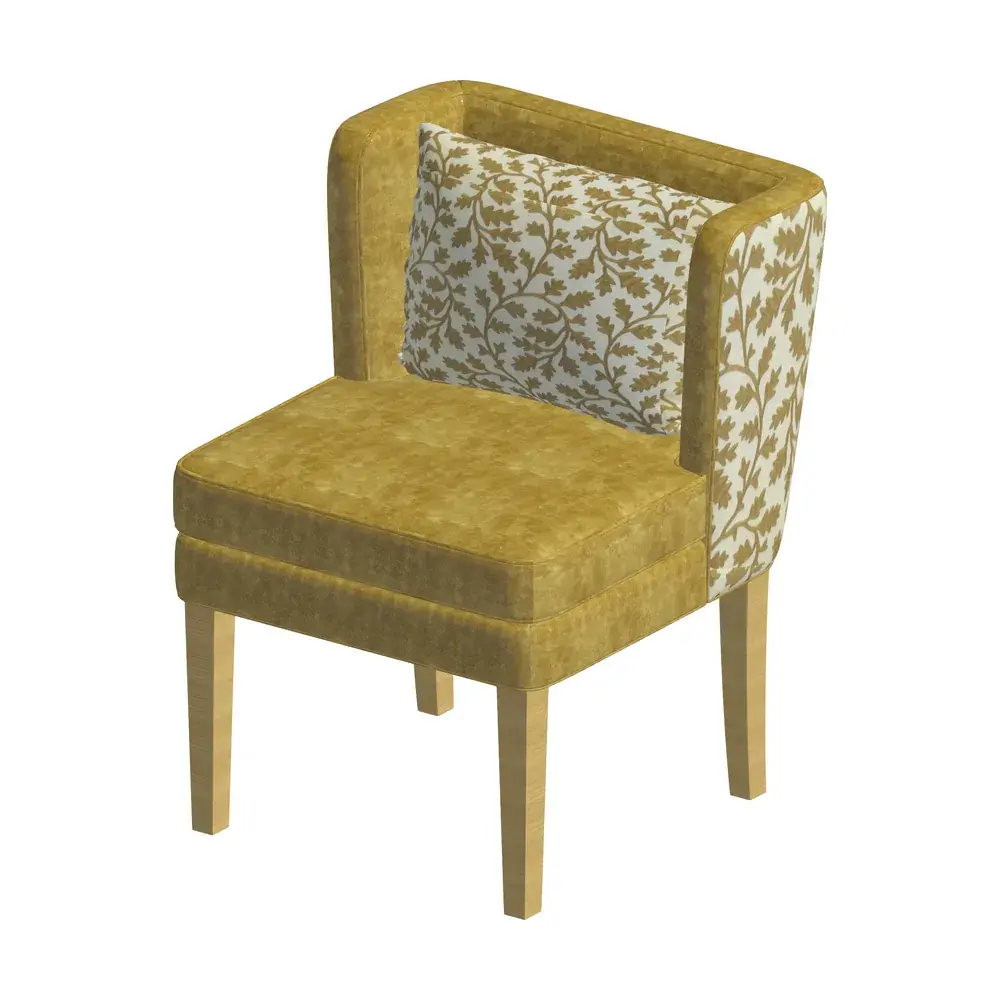
Patterned velvet chair 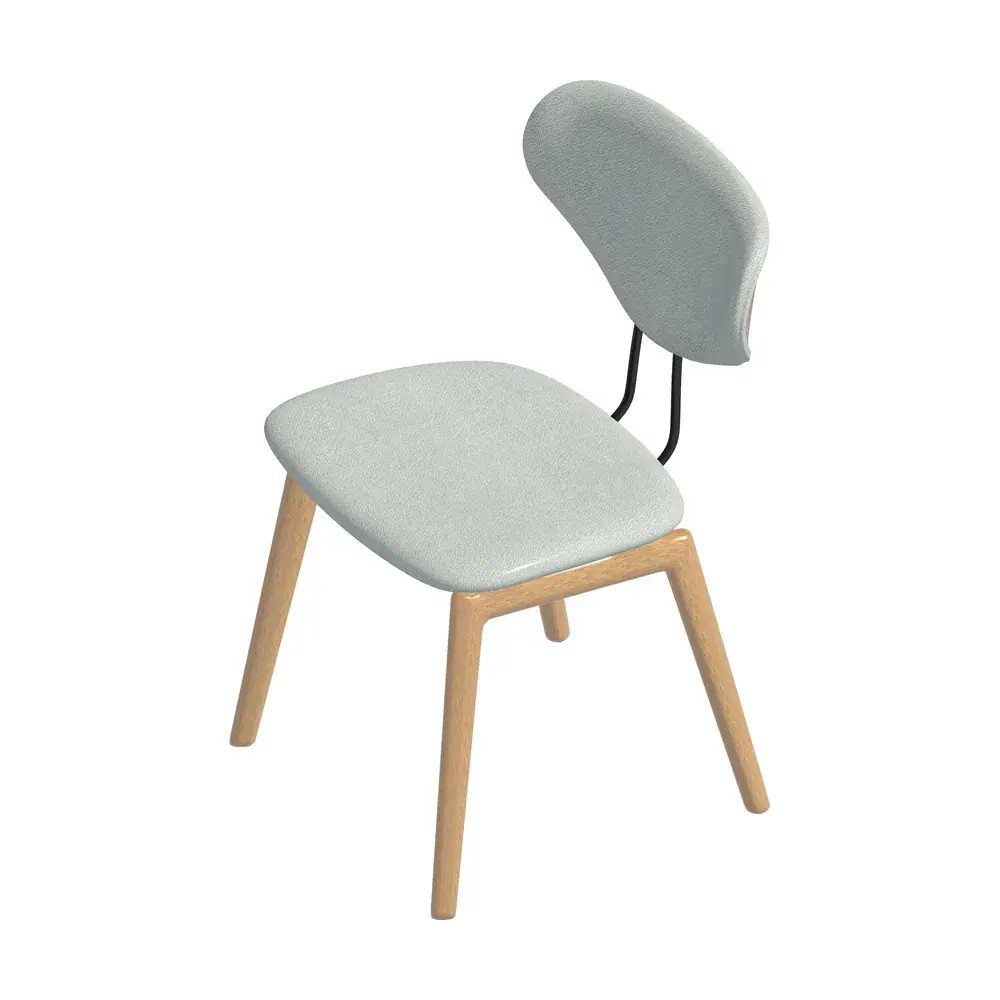
Oak dining chair
How it works
How to import a 3D model into Revit
Four steps from a model file on your computer to a placed Revit family.
ImportLibraryInstall IDColab for Revit
Add the plugin to Autodesk Revit 2027 and sign in with your IDColab account. The IDColab panel appears on the Revit ribbon with two buttons, Import and Library, and a Clean drawings check box.
Choose Clean drawings
Leave Clean drawings ticked for plan and elevation linework drawn from the real mesh, or untick it to import the model exactly as it is.
Click Import, or drag and drop
Click Import and pick your FBX, OBJ, glTF, GLB, SketchUp, Rhino or other model, or drag a file, zip or folder straight onto a Revit view. You can also pick a free model from the Library.
Place your Revit family
The model is converted into a Revit family and follows your cursor. Click to place it, then set its Height and edit its materials in Revit.
Pricing
Try it free, then make it yours
Start with a 3 day free trial, use it with your IDColab plan, or buy it once and keep it.
Free trial
3 days
free, no card needed
Download the plugin and sign in with your IDColab account. Every account gets one free trial, starting the first time you sign in inside Revit.
- Every feature, the Library included
- Starts on your first sign in inside Revit
- One trial per account and per computer
With an IDColab plan
Included
with Studio, Design Pro and Enterprise Plus
Every paid IDColab plan includes IDColab for Revit for as long as the plan is active.
- Included while your plan is active
- Studio and Design Pro include 3D library credits
- Change or upgrade your plan any time
- Yours to keep
Buy once
$50
one time
Introductory priceGoes up to $100 after the launch period
A perpetual licence for Release 1 on your IDColab account. No subscription and nothing to renew.
- Never expires
- Use it on up to 2 computers at a time
- Newer releases are a separate purchase
Prices in US dollars. A licence belongs to one IDColab account. Release 1 is the current release of IDColab for Revit.
Support
Questions, answered
Everything about bringing 3D models into Revit with IDColab.
Still curious? The IDColab team is happy to help.
How do I import a 3D model into Revit?
Install IDColab for Revit, then click Import on the IDColab panel and pick your model, or drag the file, zip or folder onto a Revit view. The model is converted into a Revit family and follows your cursor, so you can place it like any other family.
Can I bring a SketchUp model into Revit?
Yes. IDColab for Revit imports SketchUp .skp files directly, with textures at real size, materials as separate layers and clean plan and elevation linework.
What does Clean drawings do?
With Clean drawings ticked, IDColab draws plan and elevation linework from the real mesh, so the model reads properly in plans and elevations while the textured model shows in 3D. Untick it to import the model as it is.
Can I change materials after importing?
Yes. Every layer of the model gets its own Revit material, which you edit in Revit's own material editor. Your edits update the model, and copies share the same materials.
How do I get IDColab for Revit?
Download the plugin for Autodesk Revit 2027 on Windows and sign in to the IDColab panel with your IDColab account: your 3 day free trial starts then, and no card is needed. After that, buy it once for $50 and keep it, or use it with a Studio, Design Pro or Enterprise Plus plan.
Download the pluginHow much does IDColab for Revit cost?
$50, one time, for a perpetual licence to Release 1 on one IDColab account, an introductory price that goes up to $100 after the launch period. It is also included with Studio, Design Pro and Enterprise Plus while your plan is active, and every account gets a 3 day free trial first.
Compare IDColab plansShow all 18 questionsShow fewer questions
How do I convert a 3D model to a Revit family?
Import it with IDColab for Revit. Every model, from FBX and OBJ to SketchUp, Rhino and glTF, becomes a real, placeable Revit family, with a Height parameter that resizes it and Revit materials you can edit.
How do I import an FBX into Revit?
Click Import on the IDColab panel and choose the .fbx file, or drop it onto a Revit view. IDColab converts it into a Revit family with its textures at real world size and one editable Revit material per layer.
Can I import a Rhino .3dm file into Revit?
Yes. Choose the .3dm file with Import or drop it onto a view, and place it as a Revit family. IDColab reads the render meshes saved in the Rhino file, which are there whenever the model has been shaded in Rhino before saving.
Can I import OBJ, glTF and GLB files into Revit?
Yes. OBJ, glTF and GLB import the same way as every other format: click Import or drag the file onto a view, then place the Revit family that follows your cursor.
Which version of Revit does it work with?
IDColab for Revit is built and tested on Autodesk Revit 2027.
Which file formats can I import?
FBX, OBJ, glTF and GLB, DAE, 3DS, PLY, USD and USDZ, 3ds Max (.max), SketchUp (.skp) and Rhino (.3dm). You can also drop in a zip, RAR or 7z download: IDColab finds the model inside and picks the best format when a download has several.
How do I resize a model?
Change its Height parameter. The model resizes and its width and depth follow.
What is in the Library?
The Library shows IDColab's free 3D models, which you can browse, search and import with a click. Premium models link to the IDColab 3D library on the website through the Shop Models button.
Browse the 3D libraryCan a broken file crash Revit?
No. Conversion runs outside Revit, so a bad file can never take your Revit session down.
How does the free trial work?
Every IDColab account gets one 3 day free trial with every feature. It starts the first time you sign in to the IDColab panel inside Revit, never before, and it does not restart. Each computer can run one trial. No card is needed.
Does a licence expire?
No. A licence you buy is perpetual for the release you bought, so Release 1 stays yours. A newer release, such as Release 2, is a separate $50 purchase.
Can I use it on more than one computer?
Yes, on up to 2 computers at a time, such as a desktop and a laptop. A licence belongs to your IDColab account, not to one computer. Signing in on a third computer lets you move the licence there from the one you used least recently. Each person in a studio uses their own account.


Download IDColab for Revit
Install the plugin, sign in with your IDColab account and import your first model. Every feature is yours to try for 3 days.
- Free for 3 days from your first sign in inside Revit
- Then buy it once for $50 and keep it
- Or use it with a Studio or Design Pro plan
IDColab for Revit
Release 1 · For Autodesk Revit 2027 on Windows
After your free trial, keep it for good or use it with your plan.