Sign in with Google or Apple
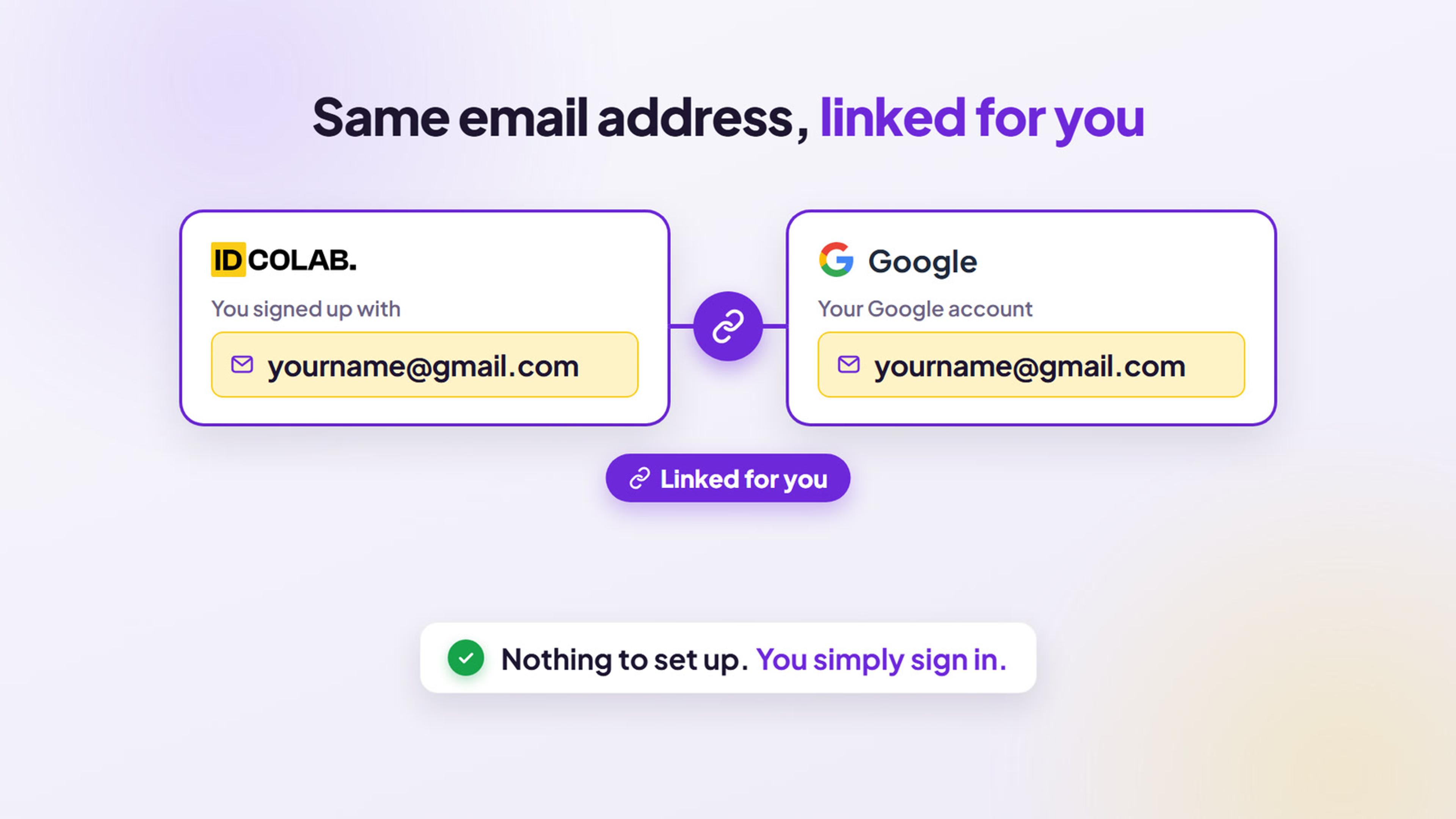
Signed up for IDColab with your email address? You can still sign in with Google or Apple. If that account uses the same email address, we link the two for you in the background, so you simply sign in.
- Web
- iPhone and iPad
- Android
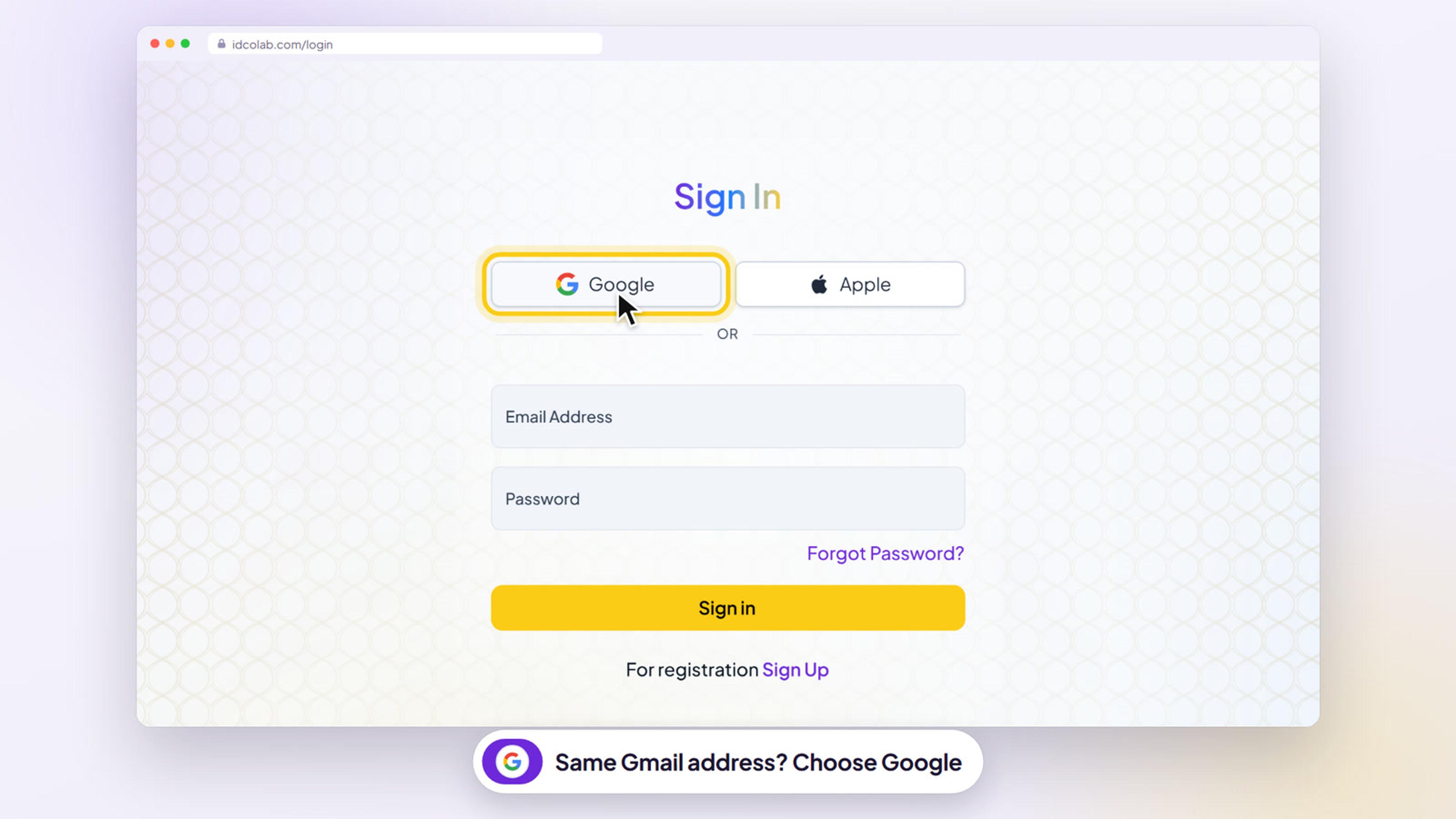
Signed up for IDColab with your email address? You can still sign in with Google. If your Gmail address is the same email you signed up with, just choose Google on the sign in page.
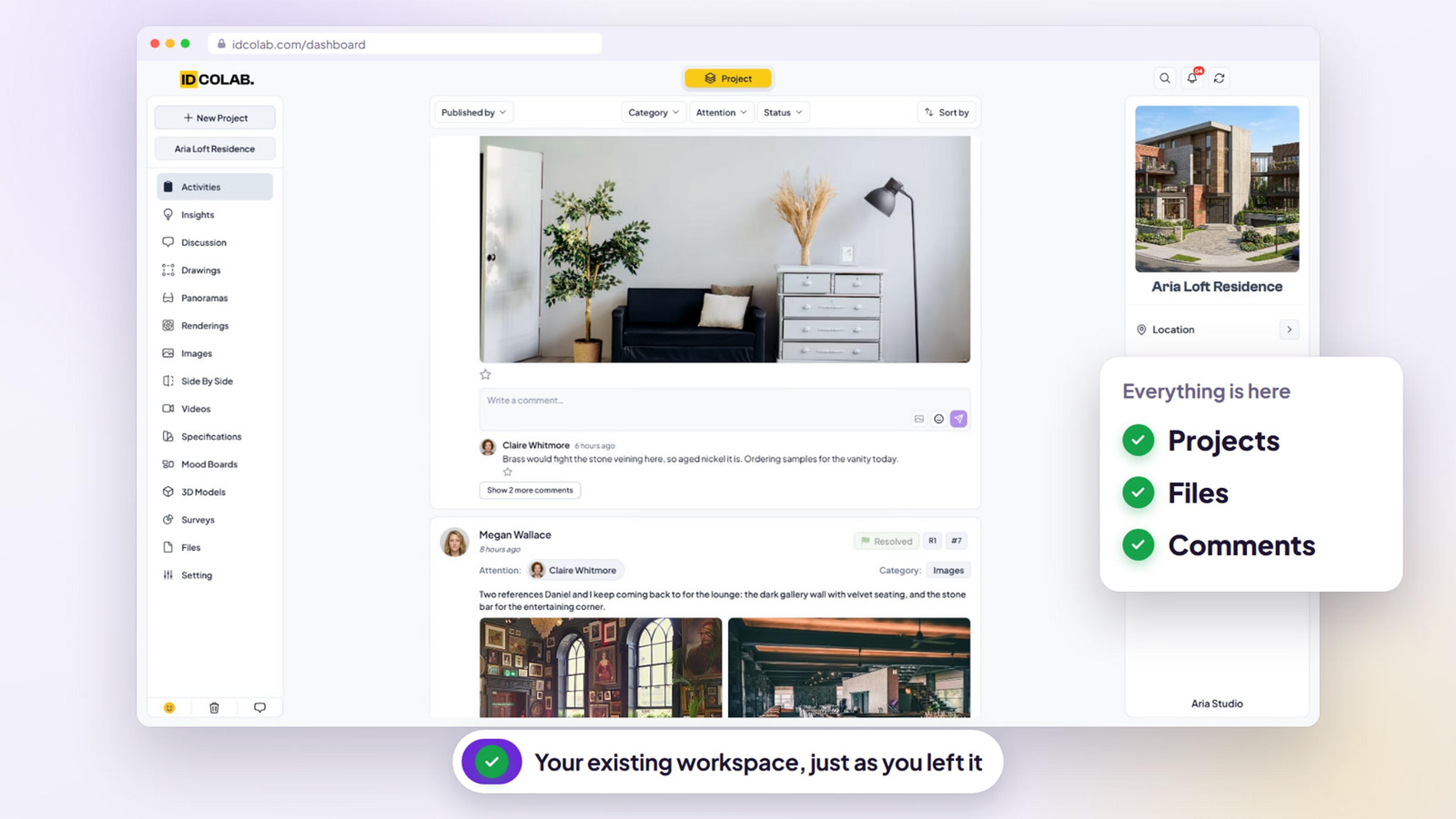
We do the heavy lifting in the background and link the two for you, so you simply sign in and land in your existing workspace with all your projects, files and comments.
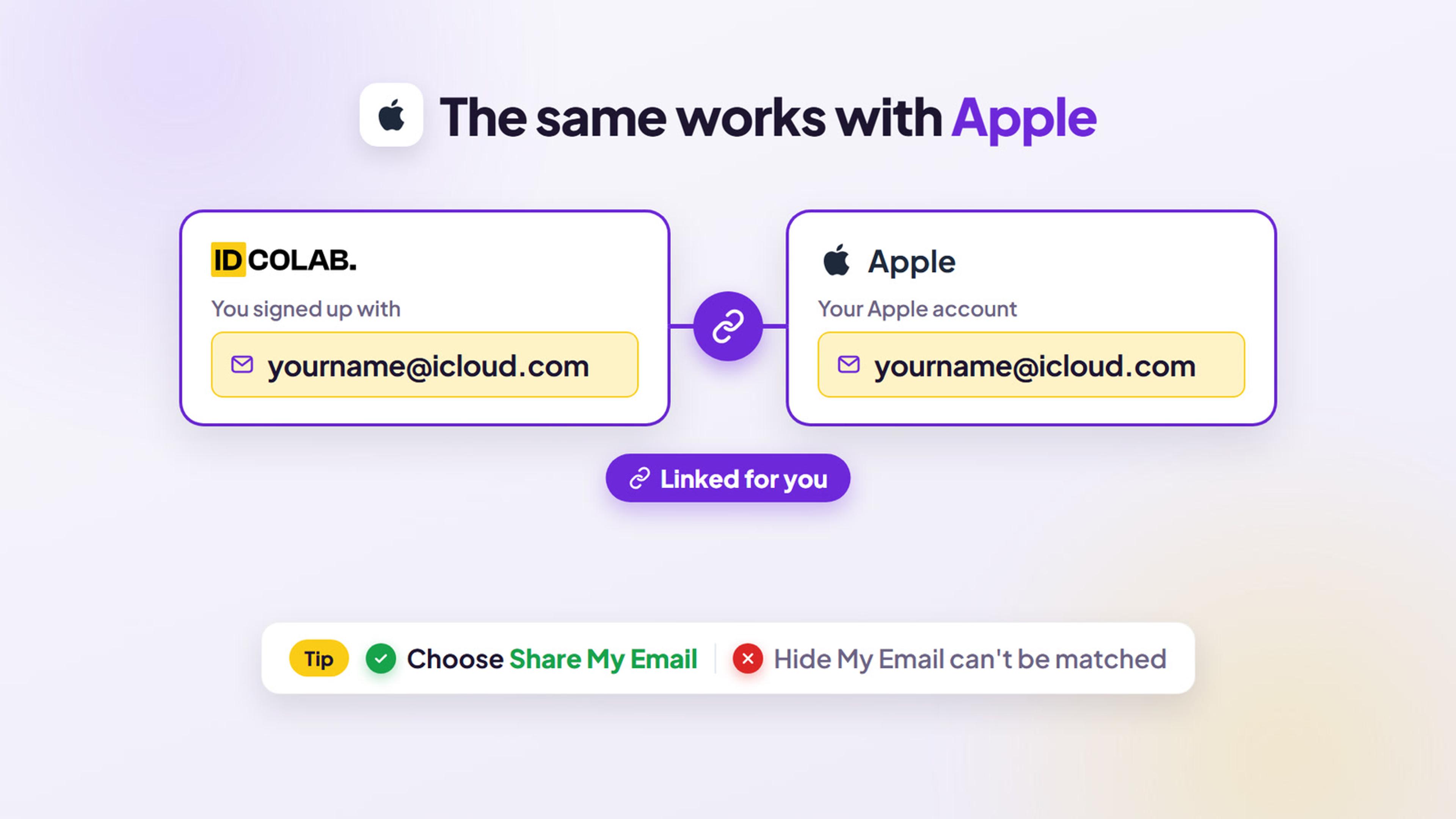
The same works with Apple. If your email is with Apple, like an iCloud address, choose Apple. Your email and password keep working too, and it all works the same in the IDColab app for iPhone, iPad and Android.
Step 1: Choose Google on the sign in page
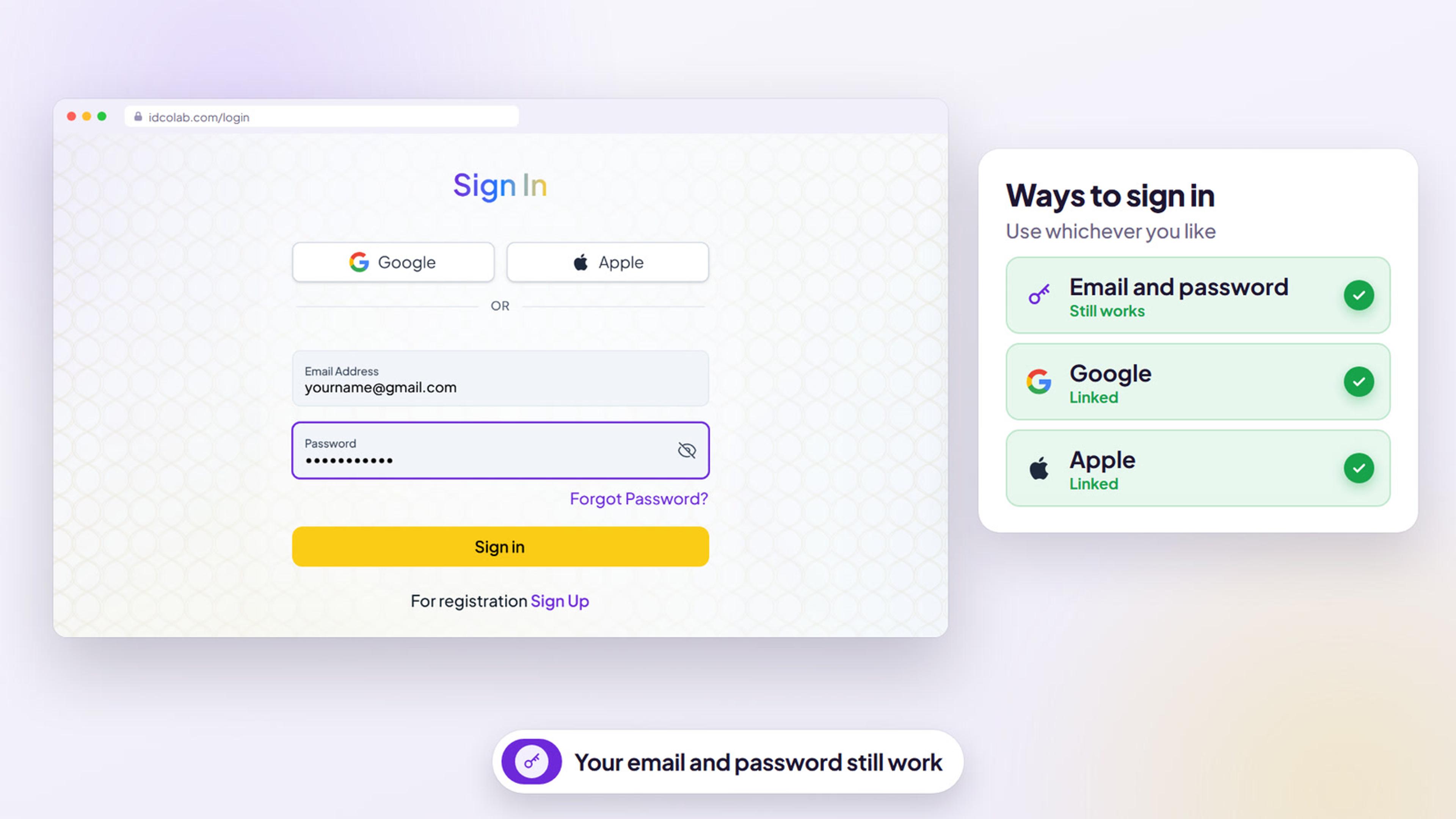
Go to the IDColab sign in page. Above the email field, select Google.
Sign in with the Google account whose Gmail address is the same email you signed up with, for example yourname@gmail.com.
Step 2: We link your accounts for you
There is nothing to set up. We do the heavy lifting in the background: when the email addresses match, IDColab links your Google sign in to your existing account automatically, so you simply sign in.
For your safety, we only link the two when Google confirms that the email address is yours.
Step 3: Pick up right where you left off
You land in your existing workspace with all your projects, files and comments, exactly as you left them. There is no new account.
Step 4: The same works with Apple
If your email is with Apple, like an iCloud address such as yourname@icloud.com, select Apple on the sign in page and sign in. We link it to your account the same way.
When Apple asks, choose Share My Email. Hide My Email creates a different address, so it can't be matched.
Step 5: Your email and password keep working
Nothing changes for your password. Keep signing in with your email address and password, or use Google or Apple, whichever you like.
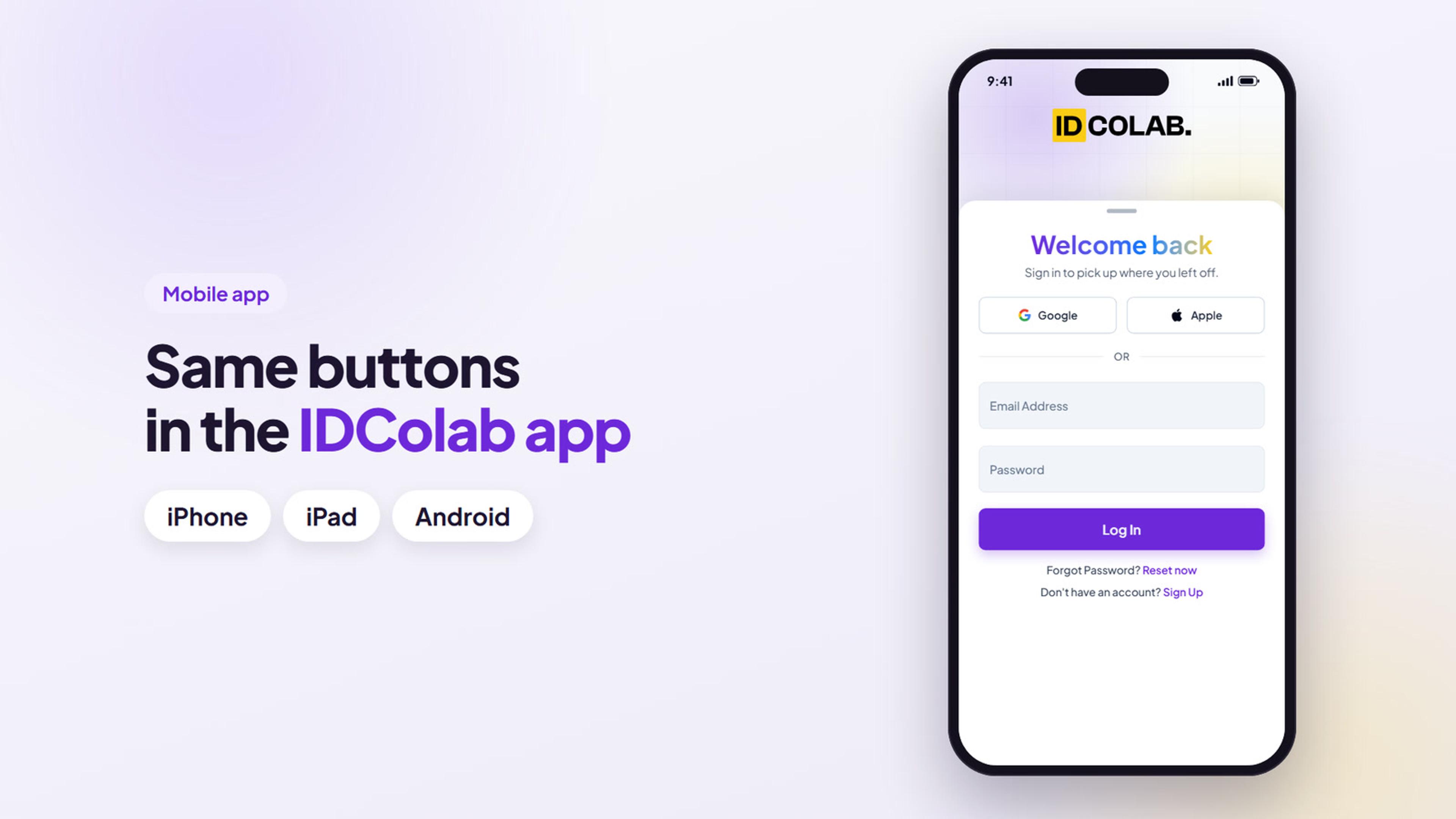
Step 6: Same buttons in the IDColab app
In the IDColab app on iPhone, iPad or Android, tap Log in, then tap Google or Apple. You get the same account and the same workspace.
Troubleshooting
Will my password stop working?
No. Your email address and password keep working. Signing in with Google or Apple simply adds another way in.
Can I use both Google and Apple?
Yes. If each one uses the same email address as your IDColab account, we link it for you the first time you sign in with it.
Is this safe?
Yes. We only link a Google or Apple sign in to your account when Google or Apple confirms that you own the email address. An account with a different email address is never linked to yours.
My Google or Apple email is different from my IDColab email. What can I do?
We can only link accounts when the email addresses match. If they are different, keep signing in with your email address and password. If you need help, email support@idcolab.com or reach us through the contact page on idcolab.com.
I chose Hide My Email with Apple. What now?
Hide My Email gives IDColab a different relay address, so it can't be matched to your account. If you already used Hide My Email with IDColab, open your Apple account settings, find IDColab in the list of apps that use Sign in with Apple, and stop using it for IDColab. Then sign in to IDColab with Apple again and choose Share My Email.
The app says "An account with this email already exists".
Older versions of the IDColab app can show this message the first time you sign in with Google or Apple. Update the app to the latest version, or simply tap Google or Apple again, which signs you in.
I never finished confirming my email when I signed up.
If you started signing up with an email address and password but never entered the confirmation code, there is no finished account to link yet. Signing in with Google or Apple creates your account fresh.
Still need help?
Send us a message and our team will get back to you.